The Invisible Thread: Connecting Paradise to the Digital World
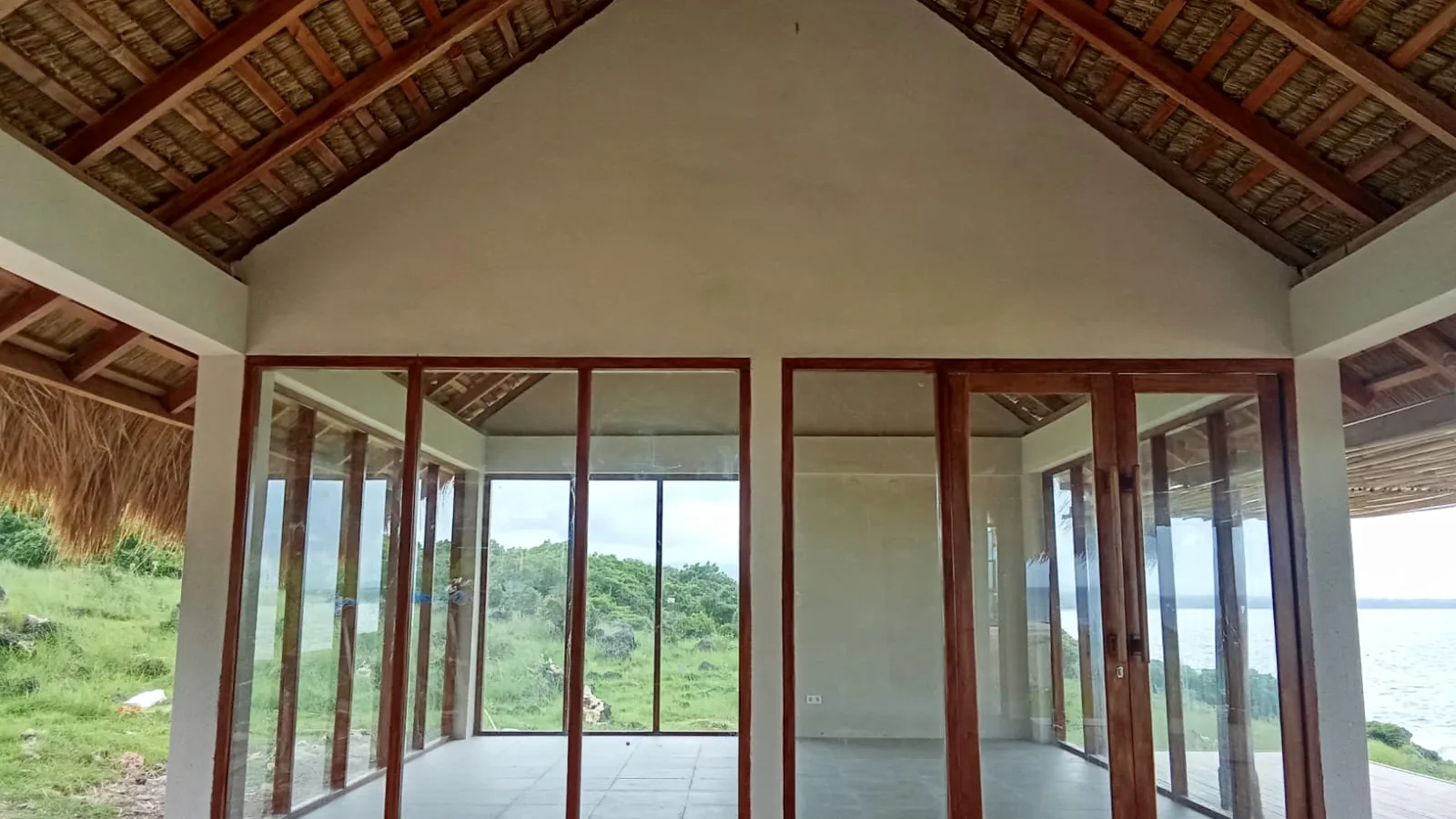
The dream, for many, is a familiar one: turquoise waters lapping at a pristine shore, lush jungle whispering in the breeze, the scent of frangipani heavy in the air. A life lived untethered, yet still connected. Or perhaps a venture, a boutique hotel, a research outpost, built on an ethos of quietude and sustainability. But what happens when that idyllic vision collides with the stark reality of the 21st century's most fundamental utility: reliable internet? For those of us who've spent decades navigating the archipelago's intricate dance between ancient traditions and modern demands, this isn't just a hypothetical. It's the critical juncture where dreams either take flight or crash-land.
I've seen it countless times. Executives relocate their entire operations, convinced a satellite phone and a prayer will suffice. Investors pour millions into properties, only to find their "premium" villas are digital black holes. The truth is, building a truly sustainable life or business in many of Southeast Asia's most enchanting, yet remote, locations demands a deep, often uncomfortable, understanding of infrastructure. And right now, nothing is more pivotal than connectivity.
Forget the glossy brochures. Let's talk about the invisible thread that truly binds you to the world, and how to weave it, even in the most improbable places.
The Connectivity Conundrum: Why Remote Means Different
When you're considering a plot of land on a little-known island, or a villa tucked away from the crowds, your internet needs shift dramatically from urban expectations. This isn't about choosing between fiber optic providers. It's often about fabricating an entire solution from scratch. Here's why:
- Distance from Infrastructure: Most tropical islands, especially the more secluded ones, are far from major undersea fiber optic cables or even well-developed terrestrial networks. Laying new cables is astronomically expensive and often impractical.
- Rugged Terrain: Mountains, dense jungles, and vast stretches of open water create significant physical barriers for traditional signal transmission.
- Limited Population Density: Internet Service Providers (ISPs) follow money. Low population density means less commercial incentive to invest in high-cost infrastructure.
- Power Instability: Even if you have a signal, consistent power to run your equipment can be a major challenge. Brownouts and blackouts are common.
- Regulatory Hurdles: Navigating local telecommunications regulations, permits, and import duties for specialized equipment can be a bureaucratic labyrinth, sometimes requiring local partnerships.
This isn't to deter, but to inform. Understanding these fundamental challenges is the first step towards a viable solution. It demands creativity, technical literacy, and a willingness to invest.
Step 1: The Essential Site Survey – Don't Skip This
Before you even think about signing a lease or breaking ground, you need to understand the connectivity landscape of your specific location. This is non-negotiable.
1.1. Local & Regional Mobile Signal Assessment
This is your baseline. Grab a local SIM card (Telkomsel in Indonesia, Smart or Globe in the Philippines, AIS in Thailand are often market leaders) and spend time on-site. Don't just check your phone's bars. Use dedicated signal strength apps (e.g., Network Cell Info Lite for Android, or Field Test Mode for iPhone).
- Pro Tip: Walk around your entire property, testing at different elevations and inside buildings. A strong signal on the beach might be non-existent 50 meters inland due to terrain or vegetation.
- What to look for: Does 4G or even 5G reach your location? What are the signal strengths (dBm values)? Anything better than -85 dBm for 4G is promising. Below -100 dBm is problematic.
- Common Mistake: Relying solely on the bars on your phone. These are often misleading and not a precise measure of signal quality or speed.
1.2. Line of Sight (LoS) Check to Local Towers
If mobile signal is weak, you'll likely need to boost it. This often involves directional antennas. Can you visually see the nearest cell tower from your property? If not, are there any elevated points on or near your land that do have LoS? This is crucial for 4G/5G LTE routers with external antennas.
1.3. Local ISP Inquiry
Speak to local businesses – established resorts, restaurants, even dive shops. What do they use? How reliable is it? What are the costs? You'll often find a patchwork of solutions:
- Local Wireless ISPs (WISPs): These small operators often set up their own microwave links or point-to-point wireless networks, connecting to a distant fiber node and then distributing it locally. Their service can be highly variable, but sometimes they're the only game in town.
- Starlink (Where Available & Permitted): We'll get to this in detail, but always ask if anyone locally is running Starlink. Their experience is invaluable.
Step 2: The Core Connectivity Options – Your Arsenal
Once you understand the lay of the land, you can choose your weapon. Or, more accurately, your combination of weapons.
2.1. Amplified Mobile Broadband (4G/5G LTE)
This is often your first, best, and most cost-effective option for many remote locations, provided there's a discernible signal.
- How it works: Instead of relying on your phone's tiny antenna, you use a dedicated 4G/5G LTE router (e.g., Teltonika, Peplink, Mikrotik) coupled with powerful external directional antennas (e.g., MIMO panel or Yagi antennas). These antennas are precisely aimed at the nearest cell tower, grabbing even faint signals and boosting them significantly.
- Hardware: Expect to pay anywhere from IDR 3,000,000 - 10,000,000 (US$200-700) for a good router, and another IDR 1,500,000 - 4,000,000 (US$100-300) for quality outdoor antennas and cabling. Installation costs extra.
- Data Plans: These are local mobile data plans. In Indonesia, Telkomsel's Orbit plans offer large quotas. In the Philippines, Smart Bro or Globe at Home. Costs vary wildly, but a 100GB plan might be IDR 150,000 - 300,000 (US$10-20). Unlimited plans are rare in true remote areas, or heavily throttled.
- Pros: Relatively affordable setup, lower latency than satellite, potentially good speeds if signal is adequate.
- Cons: Reliant on existing cell tower infrastructure, data caps, can be affected by network congestion.
- Pro Tip: Redundancy is key. If possible, set up two separate 4G/5G systems from different providers. A dual-SIM router can automatically failover if one network goes down. I've done this for properties in Raja Ampat where one provider might be strong one day, and weak the next. It's the cost of doing business in these parts.
2.2. Satellite Internet (GEO & LEO)
This was once the last resort, synonymous with slow speeds and crippling latency. No longer. The game has utterly changed.
2.2.1. Geostationary Earth Orbit (GEO) Satellites
- How it works: Traditional large dish satellite internet. The satellite is in a fixed orbit relative to the Earth, meaning high latency (signal travels a long way up and down).
- Providers: Vsat, Hughesnet (in some regions), local commercial satellite providers.
- Hardware: Large dish, modem. Setup costs can be IDR 20,000,000 - 50,000,000+ (US$1,300-3,500+).
- Data Plans: Expensive, often with low data caps. A 50GB plan might cost IDR 1,500,000 - 5,000,000 (US$100-350) per month.
- Pros: Available virtually anywhere with a clear view of the sky.
- Cons: High latency (500-700ms), slow speeds (often 5-20 Mbps down), extremely expensive, weather-sensitive.
- Verdict: Avoid if possible. The only scenario is if there is zero mobile signal and Starlink isn't an option.
2.2.2. Low Earth Orbit (LEO) Satellites: The Starlink Revolution
This is the undisputed game-changer for remote connectivity.
- How it works: Thousands of small satellites orbit much closer to Earth, drastically reducing latency. Your "Dishy" terminal automatically tracks these satellites.
- Provider: SpaceX's Starlink.
- Hardware: The Starlink Kit (Dishy, router, cables) costs around IDR 7,800,000 - 10,000,000 (US$500-700), variable by region due to import duties and local pricing strategies.
- Data Plans: The "Residential" plan is the most common, priced around IDR 750,000 - 1,200,000 (US$50-80) per month in many Southeast Asian countries. Speeds are typically 50-200 Mbps down, with latency around 20-40ms. They also offer "Roam" (for portability) and "Business" plans which are more expensive but offer higher priority and better support.
- Pros: Low latency, high speeds, truly global coverage (where permitted), relatively easy self-installation.
- Cons: Requires a clear view of the sky (no obstructions!), power hungry (can draw 50-75W, more when heating), prone to micro-outages if not perfectly positioned or if firmware updates are pushed, initial hardware cost.
- Availability & Regulations: Starlink is rapidly expanding. Check their website for availability in your specific region. Crucially, verify local regulations. Some countries may require permits or even restrict its use. Indonesia, for example, officially launched Starlink in May 2024, after navigating a complex regulatory process. This means it's now a viable, legal option for many previously disconnected areas. For businesses, you might need to register the service under a company name.
- Pro Tip: If you're running a business or need absolutely critical uptime, consider a Starlink Business plan. It prioritizes your traffic and often comes with better hardware and support, albeit at a higher monthly fee (e.g., IDR 1,500,000 - 3,000,000 / US$100-200+). For residential use, "Residential" is usually fine. Never use Starlink without a reliable power backup solution.
2.3. Point-to-Point (PtP) or Point-to-Multi-Point (PtMP) Wireless
This is for when you have a good internet source nearby (a few kilometers away) but not on your property.
- How it works: You install high-gain directional antennas (e.g., Ubiquiti, Mikrotik gear) that beam internet wirelessly from a source point (e.g., a local WISP tower, a friend's house with fiber) to your location.
- Hardware: Two radios/antennas are needed for a PtP link. Costs around IDR 3,000,000 - 7,000,000 (US$200-500) per link, plus poles, cabling, and installation.
- Pros: High speeds, low latency, can extend existing networks cheaply.
- Cons: Requires clear Line of Sight (LoS) between points, environmental factors (rain, foliage) can degrade performance over long distances, requires technical expertise to set up and align.
- Pro Tip: This is often the solution for a cluster of villas or a small community. One central point gets the primary connection (Starlink, 4G, or local fiber if available), and then PtMP distributes it to the surrounding properties.
Step 3: Powering Your Network – The Unsung Hero
What good is a robust internet connection if your router goes dark every time the lights flicker? Power stability is paramount in the tropics.
3.1. Uninterruptible Power Supply (UPS)
- Purpose: Provides short-term backup power, smoothing out fluctuations and bridging short outages (5-30 minutes).
- What to buy: A pure sine wave UPS with enough wattage to power your modem, router, and any network switches. For a typical home/small office setup, a 1000VA-1500VA UPS is usually sufficient. Costs IDR 1,500,000 - 3,000,000 (US$100-200).
- Pro Tip: Factor in the power draw of your Starlink Dishy if you're using it. It's a significant load for a standard UPS. You might need a larger capacity or a dedicated power solution for Dishy.
3.2. Solar Power Systems
- Purpose: Provides continuous, clean power, eliminating reliance on an unreliable grid.
- What to buy: A small, dedicated solar system for your internet gear is often a lifesaver. This includes solar panels (e.g., 200-400W), a charge controller, a deep cycle battery (e.g., 100-200Ah LiFePO4 for longevity), and an inverter.
- Costs: A basic system for internet and critical low-power devices can range from IDR 7,500,000 - 20,000,000 (US$500-1,400+), depending on battery size and panel wattage.
- Pro Tip: If your main power is solar, budget for excess capacity. Rainy days or heavy cloud cover can significantly reduce solar output. You'll want enough battery storage to last at least 24-48 hours without sun.
3.3. Generator Backup
- Purpose: For extended outages or to supplement solar systems during peak demand or prolonged bad weather.
- What to buy: A reliable inverter generator (e.g., Honda, Yamaha) for quiet operation and clean power. Size depends on your total load, but a 2000W-3500W generator covers most residential needs.
- Costs: IDR 7,000,000 - 25,000,000 (US$500-1,700+) for a good quality unit.
- Common Mistake: Buying cheap, noisy, non-inverter generators that can damage sensitive electronics.
Step 4: Network Distribution – Getting it Around the Property
Once you have internet coming into your property, how do you get it everywhere?
4.1. Wired vs. Wireless Backhaul
- Wired (Ethernet): Always preferred for reliability and speed between buildings or across large distances. Use outdoor-rated, shielded Ethernet cable (Cat6 or Cat7) buried in conduit.
- Wireless (Mesh/PtP/PtMP for internal distribution): If trenching cable isn't feasible, use outdoor-rated mesh Wi-Fi access points (e.g., Ubiquiti UniFi, TP-Link Omada) or short-range PtP links.
4.2. Wi-Fi Access Points
- Purpose: Distribute Wi-Fi throughout your buildings and outdoor areas.
- What to buy: Invest in robust, outdoor-rated Wi-Fi 6 (802.11ax) or Wi-Fi 5 (802.11ac) access points. Consumer-grade routers simply won't cut it for large areas or multiple users.
- Costs: IDR 1,500,000 - 4,000,000 (US$100-300) per access point.
- Pro Tip: Plan your Wi-Fi coverage carefully. Perform a site survey. Don't rely on one central router. You'll likely need multiple access points, strategically placed, and ideally hardwired (Ethernet) back to your central router/switch.
Step 5: Redundancy & Failover – The Golden Rule
In the tropics, things will fail. Storms, power outages, equipment malfunctions, network congestion – it's all part of the charm. Your goal isn't to prevent failure, but to plan for it.
- Multiple WAN Sources: This is the single most important piece of advice. Combine at least two different internet sources.
- Scenario A (Best): Starlink + 4G/5G LTE (from a different provider).
- Scenario B (Good): Two different 4G/5G LTE providers.
- Scenario C (Okay): 4G/5G LTE + Local WISP.
- Failover Router: Use a router with multi-WAN capabilities (e.g., Peplink Balance series, Mikrotik RouterOS devices). These automatically detect when one internet source goes down and seamlessly switches to the backup.
- Costs: Multi-WAN routers range from IDR 3,000,000 - 15,000,000 (US$200-1,000+) depending on features and throughput. It's a critical investment.
"The internet can be a fickle beast in the best of times. In the deep archipelago, it's a wild animal. You don't tame it; you learn to live with it, and always have a second escape route planned." – Local WISP operator, Lombok
Real-World Application: The Sumba Experience
Let's apply these principles to a location I know intimately. For years, the remote island of Sumba in eastern Indonesia was a poster child for connectivity challenges. Landline internet was non-existent in most areas, and mobile signal was patchy, at best. Businesses, particularly high-end resorts and eco-lodges, relied on prohibitively expensive GEO-satellite connections, leading to latency issues that made video calls a nightmare and cloud services agonizingly slow.
Then came the shift.
Firstly, Telkomsel's 4G network slowly, painstakingly, expanded. Suddenly, areas around Waingapu and Waikabubak, and even some coastal stretches, gained usable mobile broadband. Resorts like Nihi Sumba, which once relied heavily on VSAT, could now augment or even replace it with robust 4G LTE solutions using external antennas pointed at the distant towers.
Secondly, the arrival of Starlink in Indonesia in 2024 has been nothing short of transformative for Sumba. I've seen setups on properties where 4G was marginal, and Starlink now provides stable, low-latency internet at speeds exceeding 100 Mbps. It's allowing remote workers to comfortably operate, small businesses to process payments online, and families to connect with ease.
But here's the kicker: even with Starlink, the truly resilient setups on Sumba now integrate it with a powerful 4G LTE backup. Why? Because Starlink, while revolutionary, isn't infallible. Heavy rain, power fluctuations, or even a software update can cause temporary disruptions. Having a Telkomsel Orbit 4G router with an external antenna as a failover ensures continuity. This dual-WAN approach on Sumba, particularly for tourist accommodations or private estates, has moved internet from a constant headache to a reliable utility.
In fact, the nascent Eco Beach City project on Sumba, which envisions a sustainable, digitally-connected community, implicitly relies on this multi-faceted approach. It's not just about getting Starlink, it's about integrating it intelligently with robust local infrastructure, a stable power grid (often solar-powered), and redundancy plans. It's the blueprint for the future of truly functional remote living and investment in places like Sumba.
Common Mistakes to Avoid
- Underestimating Power Requirements: Starlink is power hungry. Your 4G router and Wi-Fi gear also need consistent power. Always over-spec your UPS and solar if going off-grid.
- Ignoring Line of Sight: Wireless technologies (4G antennas, PtP links) demand clear LoS. Trees grow, buildings get erected. Plan for obstructions.
- Buying Consumer-Grade Equipment: Your TP-Link router from home won't survive the tropical humidity, heat, lightning, or the demands of multiple users. Invest in industrial or prosumer-grade network gear.
- Not Having Local Support: Can you find an electrician or IT professional who understands networking in your area? You'll need one for installation and troubleshooting.
- Forgetting Lightning Protection: Tropical storms often come with intense lightning. Surge protectors on outdoor antennas and power lines are essential. Grounding is critical.
- Believing "Unlimited" Data Plans: In remote regions, "unlimited" often means heavily throttled after a certain threshold. Read the fine print.
Conclusion: The New Frontier of Connectivity
The notion of truly disconnecting while staying connected in the remote tropics was once a paradox. Now, with advancements like Starlink and robust 4G/5G LTE solutions, it's an achievable reality – if planned correctly. It requires a journalist's eye for detail, an engineer's approach to infrastructure, and a local's understanding of the specific challenges.
The days of email-only satellite connections are largely behind us. Real-time collaboration, video conferencing, cloud access, and even streaming entertainment are now possible in places like the deep reaches of Sumba. But it won't magically appear. It's built, piece by painstaking piece, with redundancy as its bedrock. This isn't just about bringing the internet to paradise; it's about ensuring paradise can sustainably thrive in the digital age. And that, in itself, is a story worth telling – and living.